How to use a specific SSH key
To force SSH to use one particular private key, point at it with -i:
ssh -i ~/.ssh/work_key user@hostFor a permanent, per-host setup — and to stop SSH from trying your other keys first — use ~/.ssh/config with IdentityFile and IdentitiesOnly. And for Git, the cleanest answer is a per-host config or GIT_SSH_COMMAND. Here's each.
One-off: the -i flag
ssh -i ~/.ssh/work_key user@hostGood for a quick test. But on its own, -i only adds that key to the ones SSH tries — if you have several keys loaded, it may still offer others first and hit too many authentication failures. To offer only this key, add -o IdentitiesOnly=yes:
ssh -i ~/.ssh/work_key -o IdentitiesOnly=yes user@hostPermanent: per-host in ~/.ssh/config
The right way to "always use this key for this server" — set it once and forget it:
Host work
    HostName 203.0.113.7
    User deploy
    IdentityFile ~/.ssh/work_key
    IdentitiesOnly yes
Now ssh work uses exactly that key and offers nothing else. IdentitiesOnly yes is the important line — without it the client still parades your other keys past the server first. (More on the config file: the SSH config file guide.)
A specific key for Git
Two clean options. Per-host config — give your Git host an alias with its own key:
Host github.com
    HostName github.com
    User git
    IdentityFile ~/.ssh/github_key
    IdentitiesOnly yes
Or, for a single command, override the SSH command Git uses:
GIT_SSH_COMMAND="ssh -i ~/.ssh/github_key -o IdentitiesOnly=yes" git clone git@github.com:user/repo.gitThe config approach is better if you use multiple Git accounts: give each its own Host alias (e.g. github-work) and clone with that alias.
On a phone
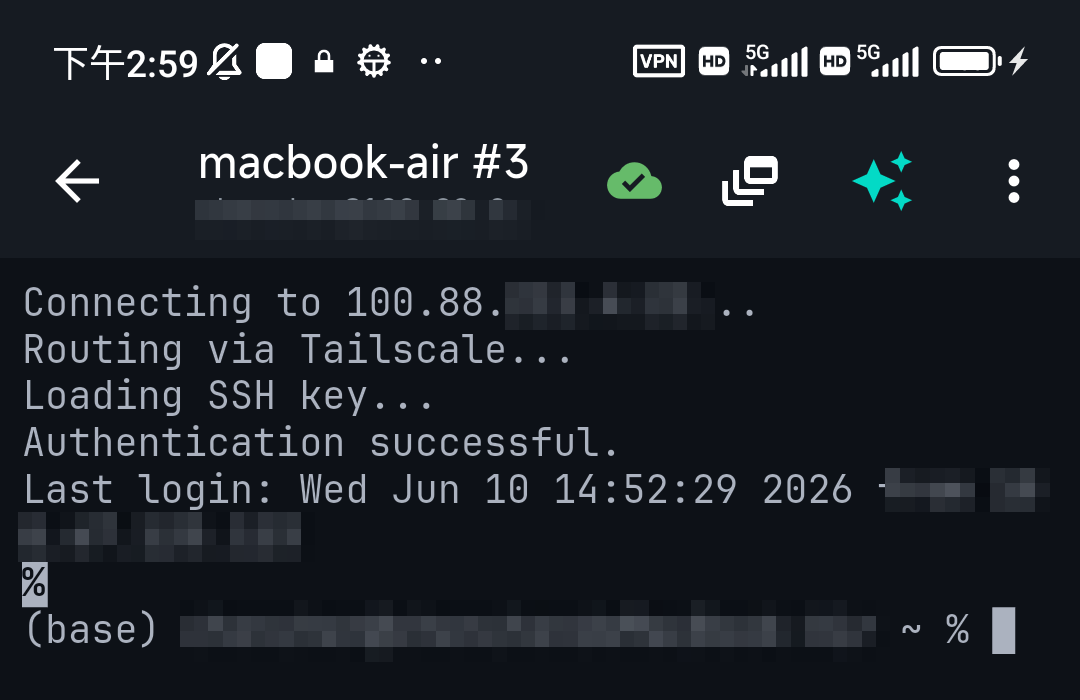
Mobile clients don't use ~/.ssh/config — they pin the key per connection. In TermAI each saved connection has its own auth setting, so "use this specific key for this server" is just choosing the key on that connection; it offers exactly that one. The equivalent of IdentitiesOnly is automatic, so you never trip the too-many-keys error.
FAQ
How do I tell SSH to use a specific key?
Use ssh -i ~/.ssh/key user@host for one command, or set IdentityFile under a Host block in ~/.ssh/config for a permanent per-host choice. Add IdentitiesOnly yes so only that key is offered.
What does IdentitiesOnly do?
It stops the client from also offering every other key in your agent and ~/.ssh. Without it, -i just appends your key to the list, which can trigger "too many authentication failures".
How do I use a specific SSH key for Git?
Give the host a ~/.ssh/config block with its own IdentityFile, or set GIT_SSH_COMMAND="ssh -i ~/.ssh/key -o IdentitiesOnly=yes" for one command.
Can I use different keys for different GitHub accounts?
Yes — create a Host alias per account in ~/.ssh/config, each with its own key, and clone using the alias.
Quick Facts
- One-off:
ssh -i ~/.ssh/key -o IdentitiesOnly=yes user@host - Permanent:
IdentityFile+IdentitiesOnly yesperHostin~/.ssh/config - Git: per-host config, or
GIT_SSH_COMMANDfor one command - Why IdentitiesOnly:
-ialone still offers other keys → too-many-auth - Mobile: pick the key per connection (IdentitiesOnly is automatic)
Free on iOS and Android. 5 AI requests/day on the free tier, plus unlimited SSH/SFTP and built-in Tailscale.