Running shell commands with Ollama
Ollama runs large language models locally on your own machine, which makes it attractive for shell help when privacy or offline use matters: you can ask a local model "what's the command to…" and nothing leaves your computer. The trade-offs are real — local models are weaker than hosted ones and you need decent hardware — but for sensitive environments it's a genuine option. Here's how to wire Ollama into a shell workflow, and where a hosted assistant still makes more sense.
Step 1 — Install Ollama and pull a model
# install from ollama.com, then:
ollama pull llama3.1        # or a coding-focused model
ollama run llama3.1 "write a command to find files over 100MB"
That already works as a quick "ask for a command" loop. For day-to-day shell use you'll want it wired in more smoothly.
Step 2 — Wire it into your shell
A small wrapper function turns a natural-language request into a command you can review:
# Ask for a command, then review before running:
ollama run llama3.1 "Output only a shell command to: compress the logs folder into a tarball"
Many people wrap that in a one-line shell function (an ask helper in .bashrc that passes your text to ollama run) so it's a single word to call.
Always read what it prints before running it — local models hallucinate flags more often than hosted ones. Several community tools also exist that integrate Ollama with the shell more richly (command suggestion, explanation, history), but the wrapper above is the honest minimum.
Why use local AI for the shell
- Privacy. Your commands and context never leave the machine — useful for regulated or air-gapped environments.
- Offline. Works with no internet once the model is pulled.
- No per-call cost. After the hardware, inference is free.
The honest limitations
- Weaker models. A local 8B model is not as capable as a large hosted one, especially for tricky or obscure commands.
- Hardware. Decent speed needs a capable CPU/GPU and RAM.
- No grounding by default. Plain Ollama doesn't know your OS, disk, or recent output unless you feed it that context yourself.
On a phone: SSH to Ollama, or use a hosted assistant
Ollama runs on a desktop or server, not your phone. Two ways this meets mobile:
- SSH to the box running Ollama. From your phone, connect to the machine and use your
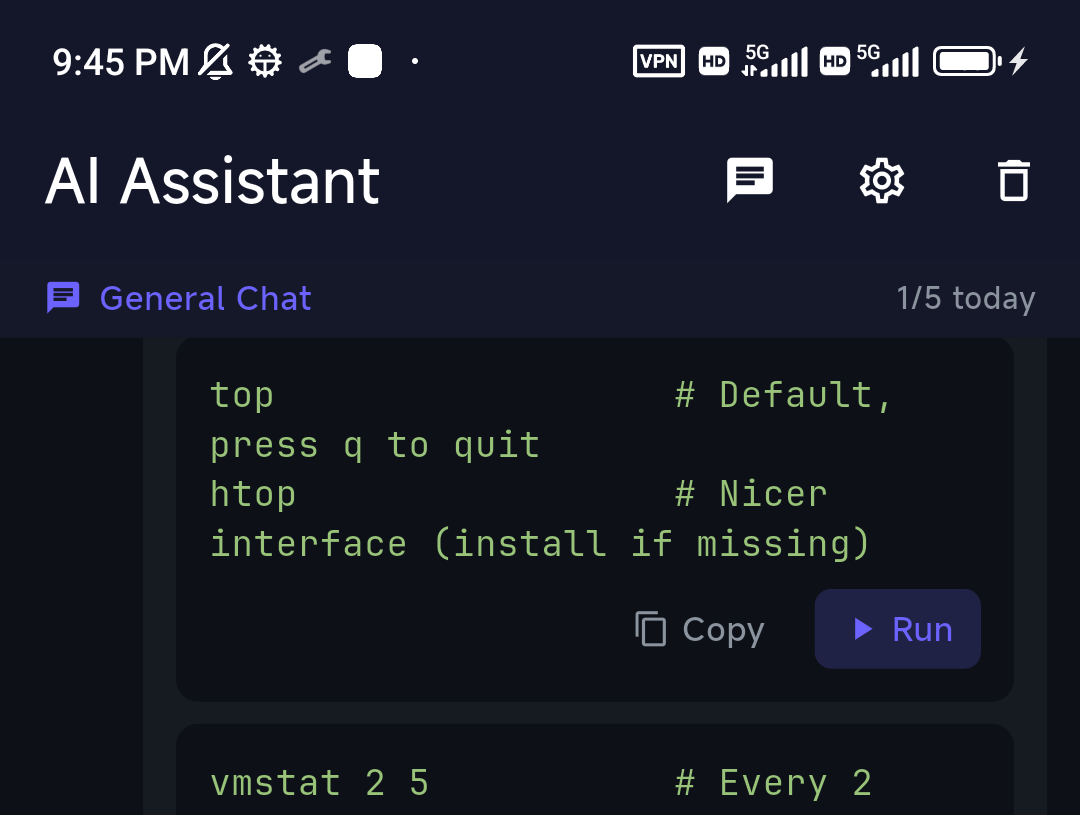
askwrapper over SSH — your private model, reached remotely. - Use a hosted-AI client. If you want an assistant in the mobile terminal that's already grounded in the server (OS, live disk/memory, recent output), that's TermAI — it uses a hosted model through a proxy that strips secrets, and you can turn context off. It's the convenience-and-grounding choice; Ollama is the everything-stays-local choice.
FAQ
Can Ollama generate shell commands?
Yes — prompt a local model to output a command, ideally via a small shell wrapper. Always review the output before running it.
Is local AI better than a hosted assistant for the shell?
For privacy and offline use, yes. For raw capability and grounding in your session, a hosted assistant is stronger. Pick based on whether keeping everything local matters more than model quality.
Can I use Ollama from my phone?
Not directly — Ollama runs on a desktop/server. SSH to that machine from your phone, or use a hosted-AI mobile client like TermAI.
Quick Facts
- Ollama = local LLMs on your own machine; private and offline
- Shell use: a wrapper like
ask() { ollama run … }; always review output - Trade-off: weaker than hosted models, needs hardware, no grounding by default
- On a phone: SSH to the Ollama box, or use a hosted client (TermAI) grounded in the server
Free on iOS and Android. 5 AI requests/day on the free tier, plus unlimited SSH/SFTP and built-in Tailscale.