Can you run a self-hosted setup from your phone?
Yes — not for the heavy building, but for the day-to-day running of it. The reality of self-hosting is that 90% of your interactions are small: restart a container that crashed, check why a service is down, update blocklists, approve something, read a log. All of that is a few SSH commands, and SSH works fine from a phone. The phone is your triage and quick-fix tool; the laptop is for the real work. This guide is the playbook.
Came here for a specific command? Jump to reading Home Assistant logs from a phone — the short version is that ha core logs takes -n / --lines <n> for the last N entries and -f / --follow to stream, and on a phone screen ha core logs --lines 40 is the one you actually want.
What belongs on the phone (and what doesn't)
- Phone, all the time: restart a service or container, tail a log, check disk/memory, pause Pi-hole, run an update, answer a
[Y/n]prompt that came in via push. - Phone, sometimes: edit one line of a config over SFTP, run a quick DB query, pull a backup.
- Laptop, always: setting up a new service, editing 200 lines of Compose, anything where you want a big scrollback you can re-read before acting.
If a phone session runs past a few minutes, that's your cue to either finish fast or move to the laptop.
The setup: SSH + Tailscale
Two pieces make this work from anywhere:
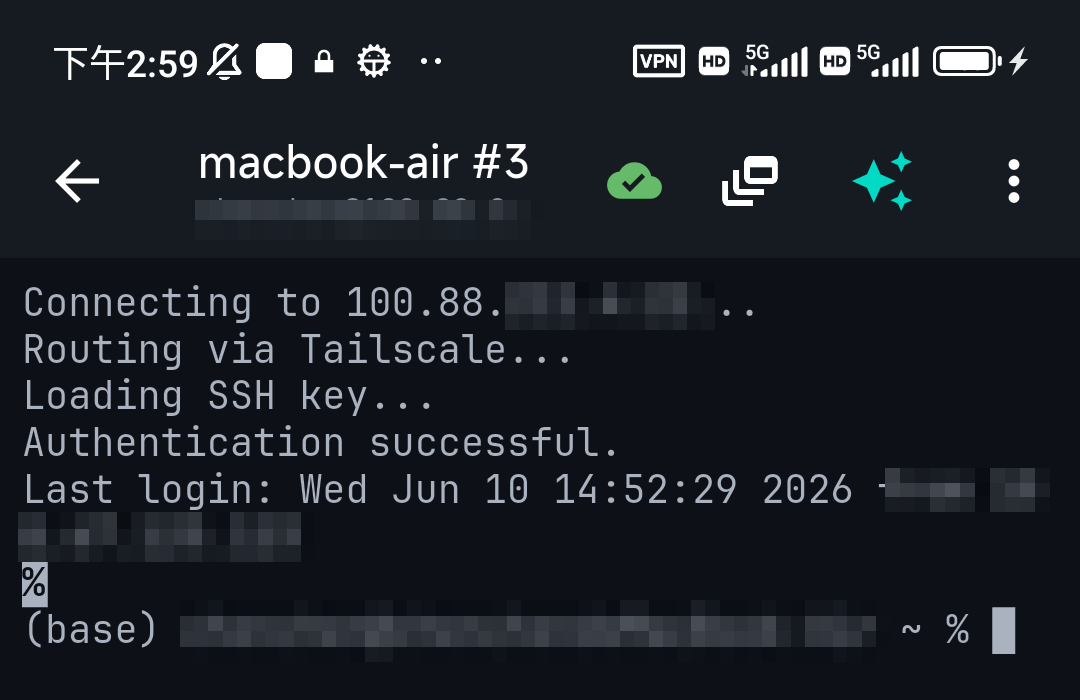
- An SSH client on the phone (Android / iPhone). That's how you reach the box and run commands.
- Tailscale so you can reach your home boxes from mobile data without forwarding ports or exposing anything to the internet. TermAI has Tailscale built in, so the phone side needs no separate app. See Tailscale on iPhone.
The common tasks, per stack
- Docker / Compose —
docker ps,docker restart,docker compose pull && up -d. See managing Docker from your phone. - Proxmox —
qmandpctto start/stop VMs and containers. See managing Proxmox from your phone. - Home Assistant —
ha core restart,ha core logs -n 40. See reading HA logs from a phone below, or SSH into Home Assistant for the full CLI. - Pi-hole —
pihole disable 5m,pihole -g. See managing Pi-hole from your phone. - Any Linux box —
systemctl restart <service>,journalctl -fu <service>,df -h,apt update && apt upgrade.
Reading Home Assistant logs from a phone: ha core logs --lines
Home Assistant is the stack where phone triage pays off most — something stops responding, you're not home, and you need to know whether to panic. The whole trick on a phone is not printing more than you can read. Bare ha core logs dumps far more than a phone screen holds, and once it has scrolled past you're pinch-zooming through a wall of text with a thumb. --lines is the flag that makes the Home Assistant CLI usable on a 6-inch screen.
The flags: --lines, --follow, --boot
ha core logs follows journalctl conventions, because since Home Assistant 2025.11 the Core log lives in the systemd journal rather than a file. Its flags are:
-n,--lines <n>— number of log entries to show. This is the "tail" you're looking for.-f,--follow— keep printing new entries as they arrive (liketail -f).-b,--boot <id>— logs from one particular boot.-v,--verbose— return logs in verbose format.-h,--help— flag availability tracks your Supervisor version, soha core logs --helpis always the authoritative list on your own box.
Note that --tail is not a valid ha flag — it's a Docker habit (docker logs --tail 100) and the CLI rejects it with unknown flag: --tail. Use -n instead. Full breakdown in SSH into Home Assistant.
Phone-sized recipes
Four forms cover almost every phone check, in rough order of how often you'll want them:
ha core logs -n 40                     # about one phone screen of context
ha core logs --lines 200 | grep -i error   # errors only — no scrollback hunting
ha core logs -n 20 -f                  # 20 lines of context, then follow live
ha core logs -n 500 | tail -n 60       # pull deeper, read only the end
Why 40 and not 100: on a phone, a screen holds roughly 20–40 wrapped lines, so -n 40 lands one scroll's worth and nothing is lost above the fold. Reach for a bigger --lines value only when you're piping it into grep — let the filter do the reading, not your thumb. And prefer -n 20 -f over a bare -f: you get the lines that led up to now before the stream takes over, which is usually where the actual error is.
The other three log sources
Core isn't always the thing that broke, and the same -n / -f flags carry across the CLI:
ha supervisor logs -n 50— the Supervisor itself: add-on installs, updates, backups that failed.ha host logs -n 50— OS level: disk, network, kernel. Add-b -1(the joined form-b-1works too) to read the previous boot, which is how you find out why the box rebooted at 3am while you were asleep.ha addons logs <slug> -f— one add-on (Z-Wave JS, Mosquitto, ESPHome) rather than all of HA.
Rule of thumb from a phone: if ha core logs is clean but the UI is dead, go up a level to ha supervisor logs; if that's clean too, go to ha host logs.
If ha isn't there: per install type
The ha CLI only exists on HA OS and Supervised installs. On the others the same job has a different command, which is worth saving as a snippet on the phone before you need it:
- HA OS / Supervised —
ha core logs -n 40, from the Terminal & SSH add-on or an SSH session to the host. - Container (Docker) — no
haCLI at all. Usedocker logs --tail 100 -f homeassistant; here--tailis the correct flag. - Core (venv) — read the journal for the systemd unit you created, commonly
journalctl -u home-assistant@homeassistant -n 100 -f.
If ha is missing on a setup that should have it, the usual cause is the community Advanced SSH & Web Terminal add-on running with Protection mode on — it blocks the add-on's access to Docker and the Supervisor API. Turn Protection mode off in the add-on's settings and restart it.
Where /config/home-assistant.log went
If you SSH in from your phone expecting tail -f /config/home-assistant.log and the file isn't there, nothing is broken. Home Assistant 2025.11 stopped writing that file on HA OS and Supervised installs and moved Core logging into the systemd journal — which is exactly why ha core logs is now the way to read it. From 2026.1 onward you can opt the file back in:
ha core options --duplicate-log-file=true
ha core rebuild
ha core restart
That's a one-time change and it persists until you set it back to false. If --duplicate-log-file is rejected as an unknown flag, your CLI/Supervisor pair predates the option — update the Supervisor first. Leave it off unless something specific needs the file: duplicating the log to disk is exactly the write amplification the 2025.11 change removed, and on an SD-card install that matters.
Where AI helps on a phone
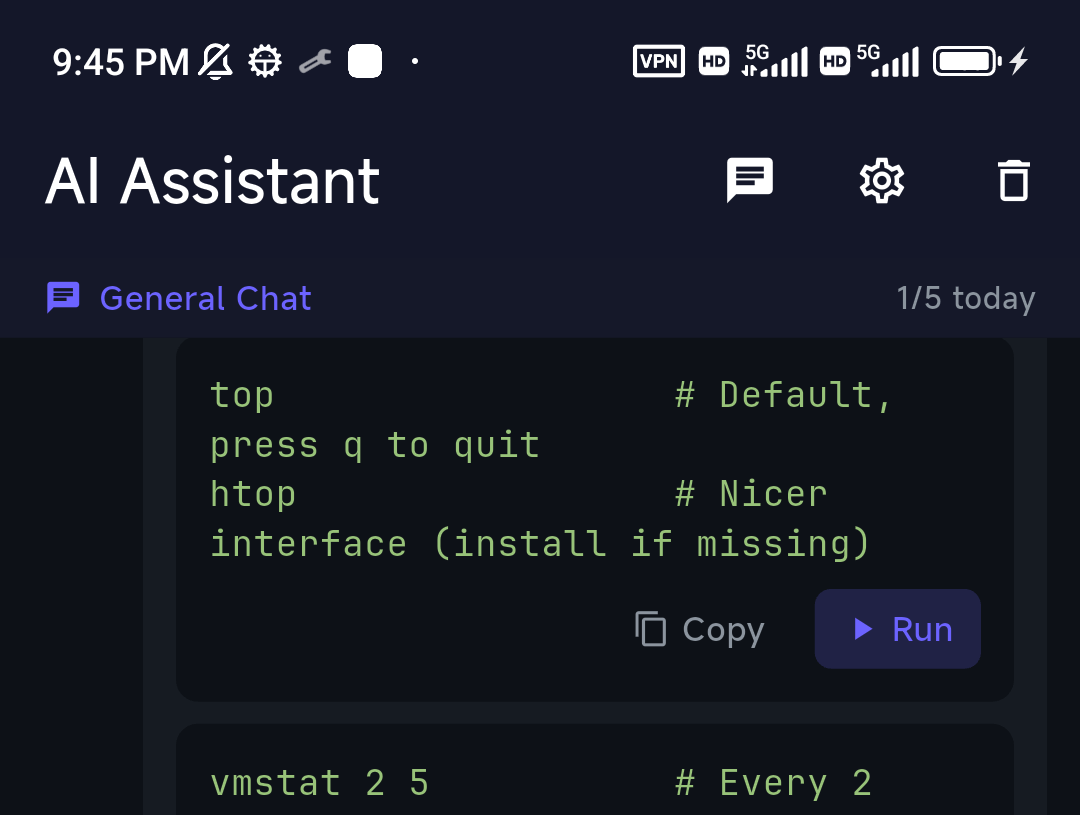
Two phone-specific pain points — remembering exact commands and reading walls of log output — are where an AI assistant earns its place. Describe the task ("why is jellyfin using all the memory", "restart the reverse proxy") and TermAI gives you the command, grounded in the actual server it's connected to. And when you tail a log (journalctl -f, docker logs -f), it switches into a log-stream mode that can hand the last 100 lines to the AI for a quick "what's wrong here?".
FAQ
Can I manage my homelab entirely from a phone?
You can run and maintain it from a phone — restarts, logs, updates, fixes. Initial builds and big config edits are still better on a laptop. The phone covers the day-to-day.
How do I reach my home server from my phone when I'm out?
Use Tailscale (built into TermAI) so the box has a stable private address you can SSH to from anywhere — no port forwarding.
Is it safe to manage servers from a phone?
Yes, with the same basics as anywhere: SSH keys, Tailscale instead of exposed ports, and a client that confirms before destructive commands run.
What does --lines do in ha core logs?-n / --lines <n> sets how many log entries to print, e.g. ha core logs --lines 200. It takes an unsigned number. It's the Home Assistant CLI's equivalent of tail -n — there is no --tail flag, and passing one fails with unknown flag: --tail.
How many lines should I pull on a phone?
About 40. A phone screen holds roughly 20–40 wrapped log lines, so ha core logs -n 40 gives one readable screen. Go higher only when you're piping into a filter, like ha core logs --lines 200 | grep -i error.
How do I follow Home Assistant logs live from my phone?ha core logs -f. Better: ha core logs -n 20 -f, which prints the last 20 entries for context and then keeps streaming. On a Container install there's no ha CLI — use docker logs --tail 100 -f homeassistant.
Why does ha core logs say command not found?
The ha CLI only ships with HA OS and Supervised installs. On Container use docker logs; on a Core venv use journalctl -u home-assistant@homeassistant. If you're on HA OS and it's still missing, the community Advanced SSH & Web Terminal add-on is probably running with Protection mode on — turn it off and restart the add-on.
Where is /config/home-assistant.log?
Home Assistant 2025.11 moved Core logging to the systemd journal and stopped writing that file on HA OS and Supervised installs. Read it with ha core logs, or from 2026.1 onward re-enable the file with ha core options --duplicate-log-file=true, then ha core rebuild and ha core restart.
How do I see why my Home Assistant box rebooted overnight?ha host logs -n 200 -b -1 reads the host journal from the previous boot, which survives the reboot that ha core logs can't tell you about. Check ha supervisor logs too if an update or backup ran around that time.
Quick Facts
- Reality: the phone handles day-to-day running (restart / log / update / fix); the laptop handles building
- Setup: a mobile SSH client + Tailscale (no port forwarding)
- Per stack: Docker, Proxmox, Home Assistant, Pi-hole — all just SSH commands
- HA logs on a phone:
ha core logs -n 40(one screen),-n 20 -f(context then follow),--lines 200 | grep -i error(triage);--tailis not a validhaflag - No
haCLI? Container installs usedocker logs --tail 100 -f homeassistant; the log file left/configin 2025.11 - On a phone: AI for remembering commands + log-stream analysis pays off most
Free on iOS and Android. 5 AI requests/day on the free tier, plus unlimited SSH/SFTP and built-in Tailscale.